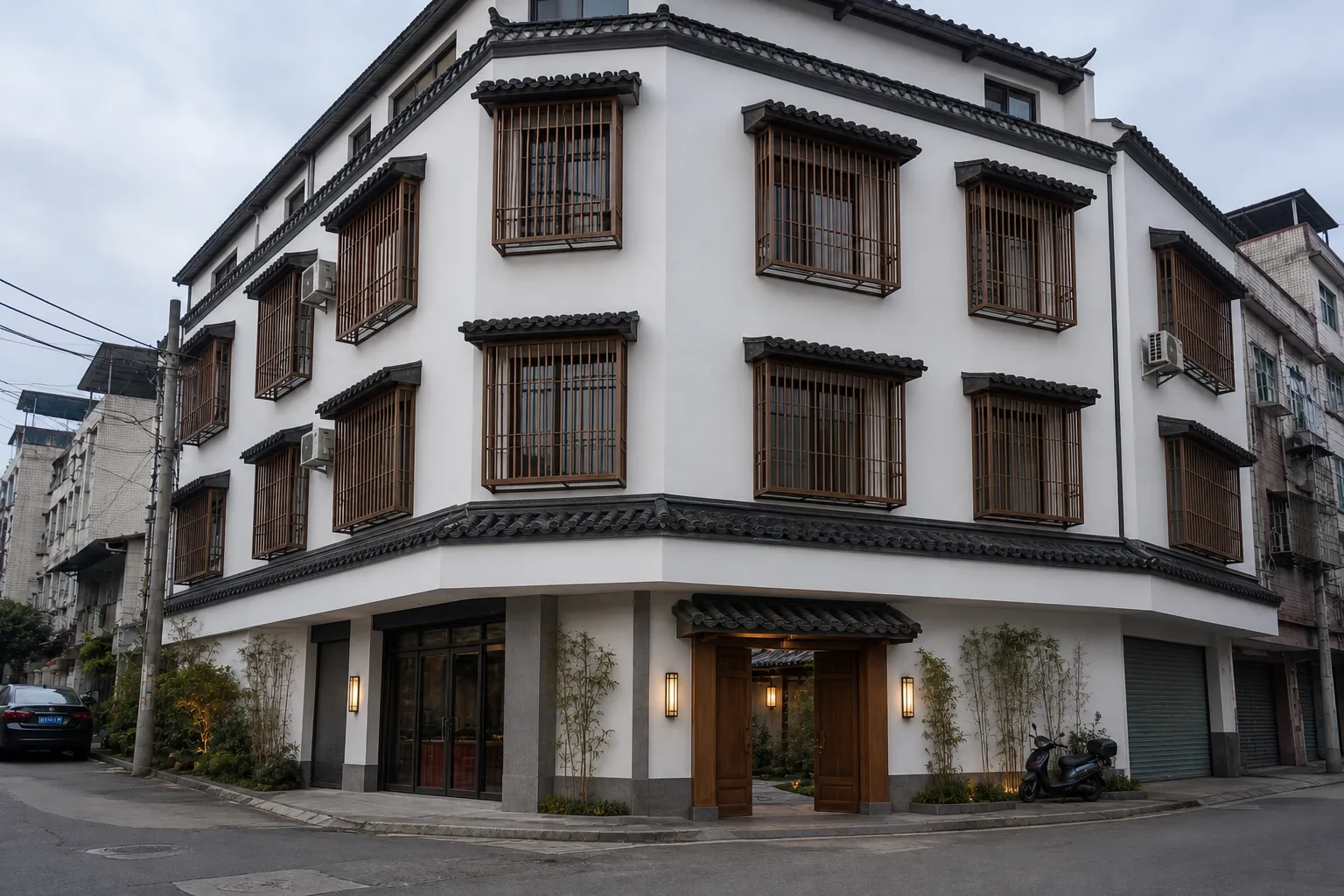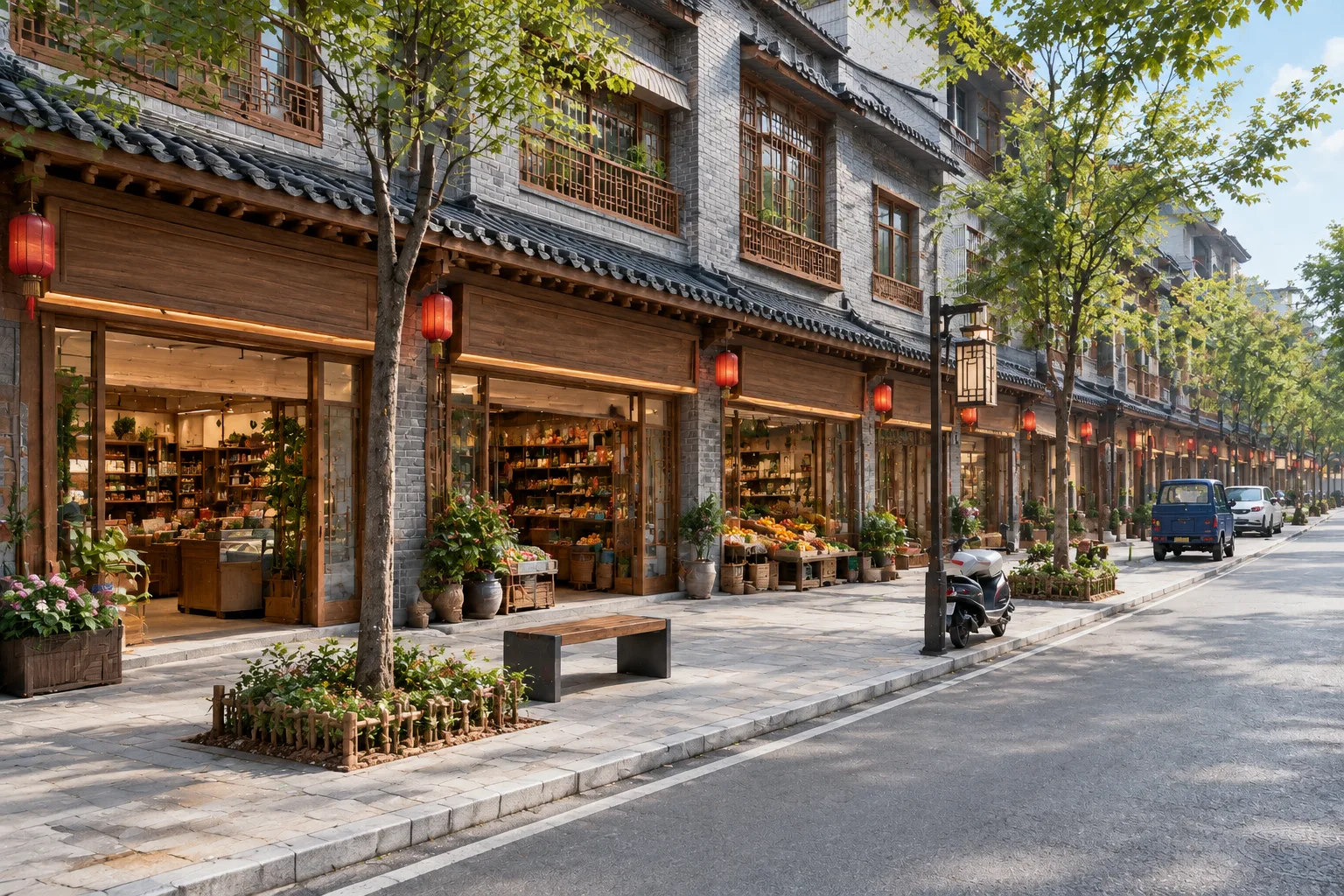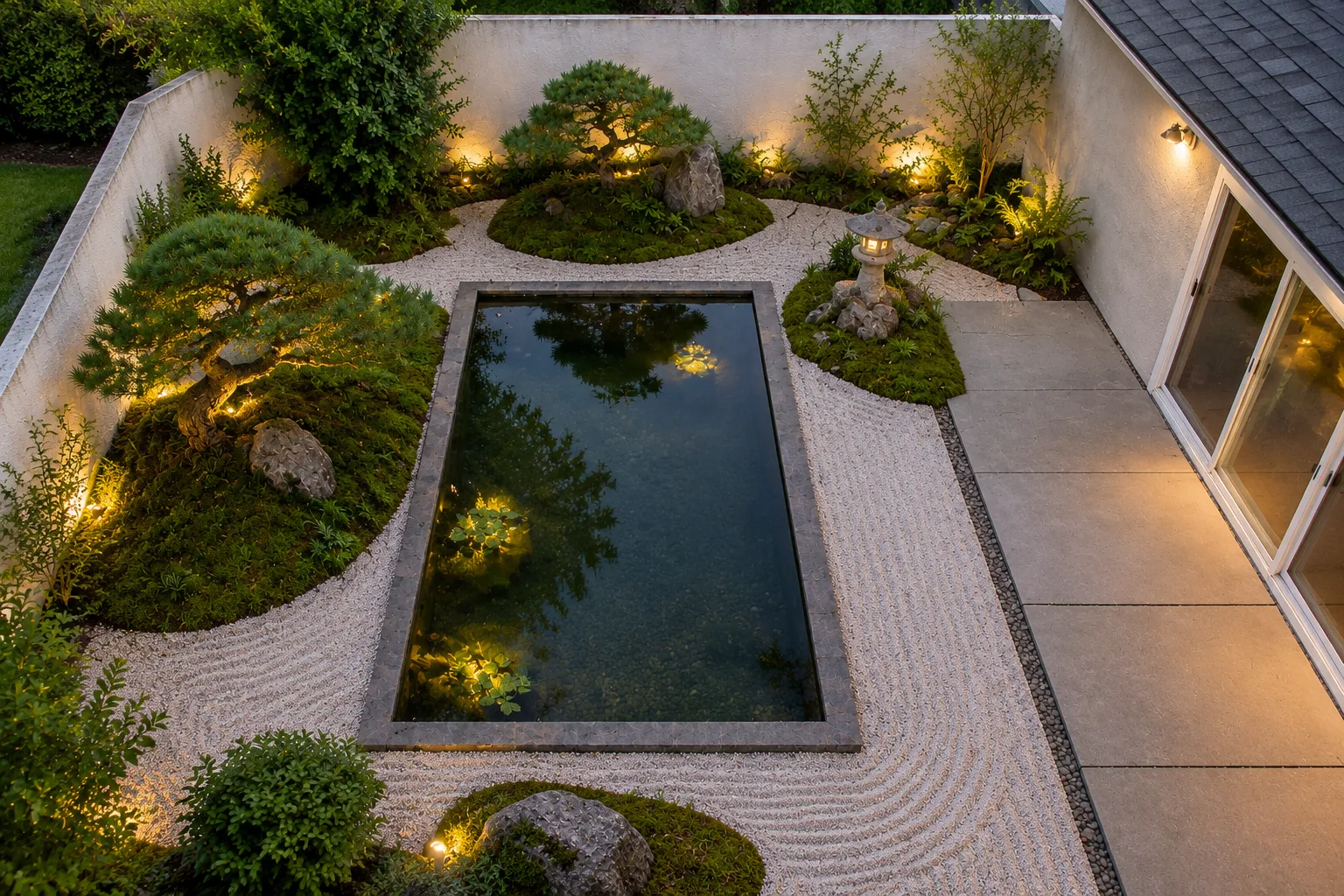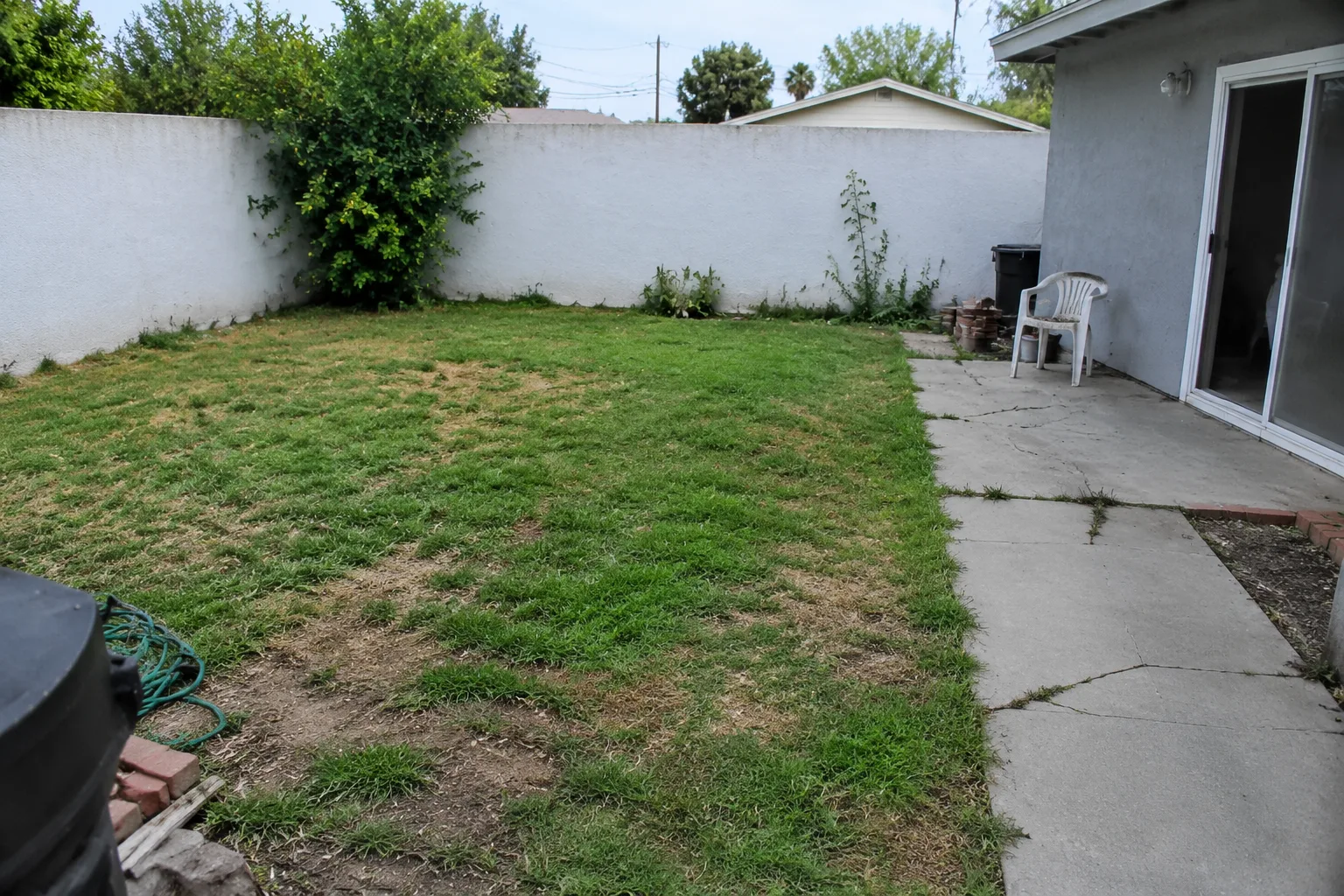
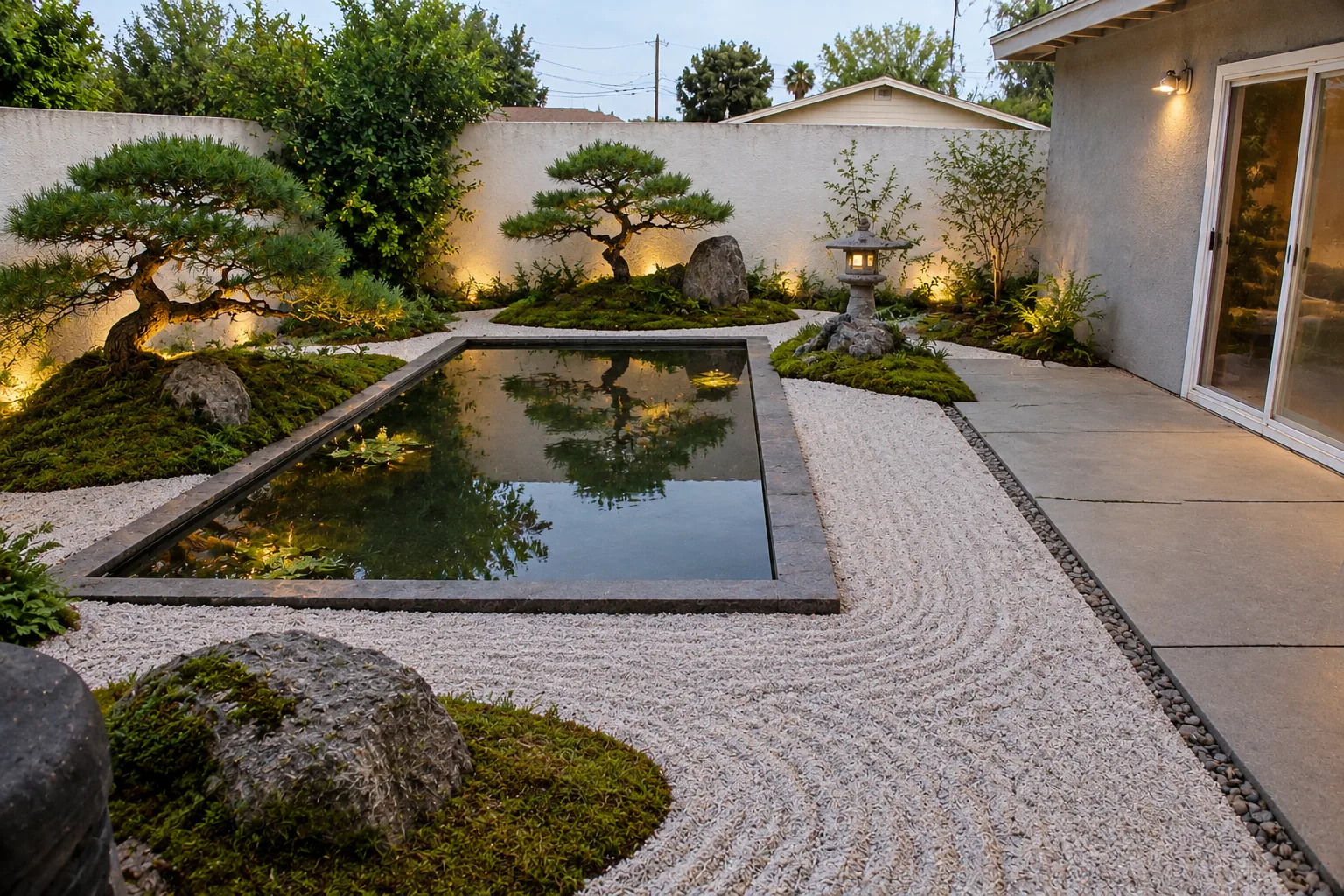
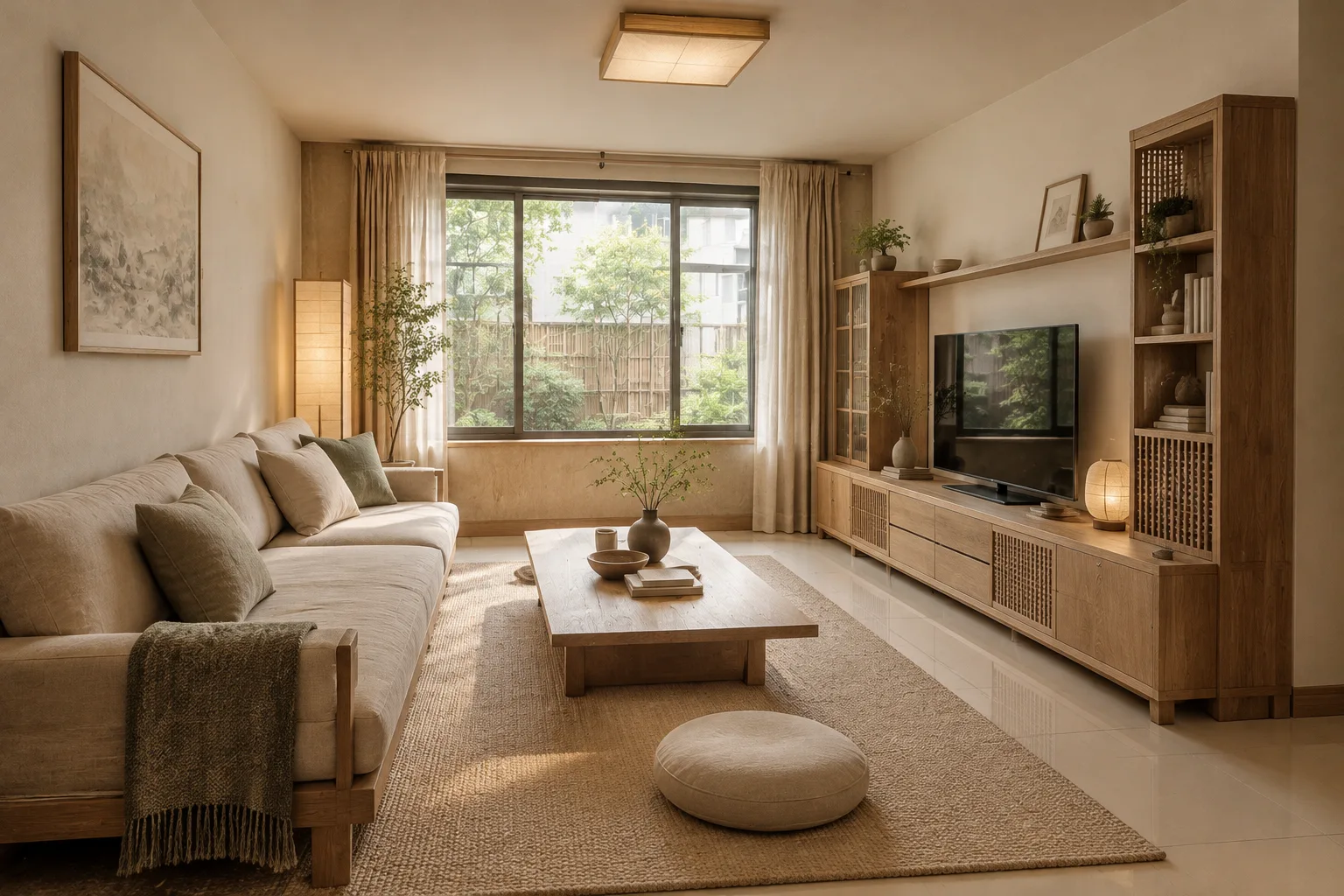
 4 tools
01
Interior
Rooms, materials and atmosphere
Give AI a site photo, a sketch or a massing model and get a redesign that keeps the original structure in under a minute — from a living room or a Zen courtyard to an entire old street.
Free credits on sign-up · failed images refunded
Every tool has its own tuned prompts, style library and list of what must stay — far more controllable than a one-line image prompt.
Before a remodel or a new garden, one photo shows several possibilities — no more talking in the abstract with family or builders.
Sketches, massing models and site photos rendered directly; compare options side by side and apply 38 professional prompt templates in one click.
Dry gardens, bamboo tea paths, koi water courts, moon-gate views — plus interior, architecture and urban renewal work. Every case was made with DesignEye.
One design direction carried through site planning, master plan, architecture, interiors and landscape — so owners see the whole picture at concept stage.
Hillside residence · Zen mountain-and-water courtyards
The owners wanted to turn an untidy sloping yard into three courtyards: a dry garden to quiet the arrival, the main house facing still water and stone, and a tea room hidden in bamboo — while keeping the old trees already on site.
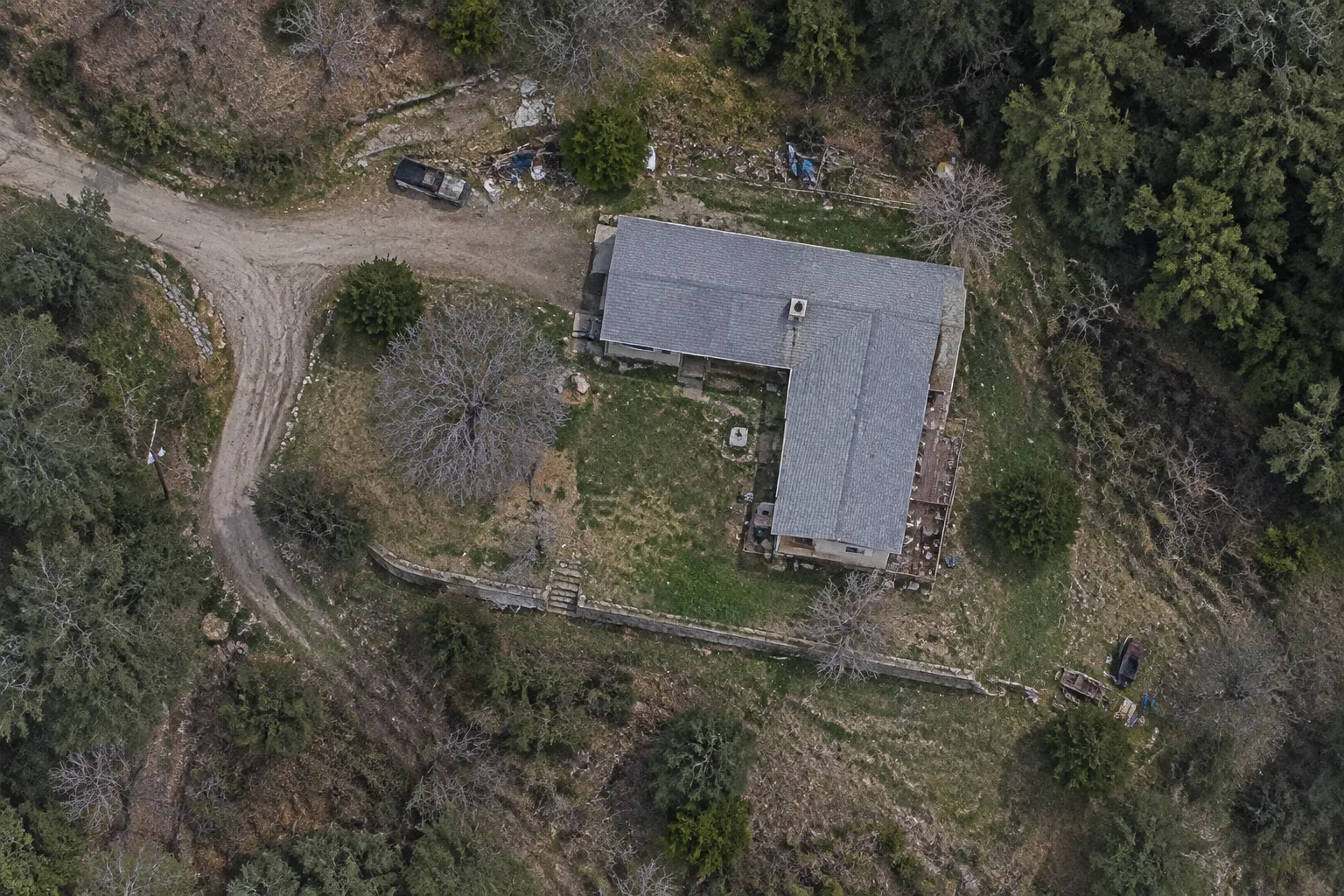
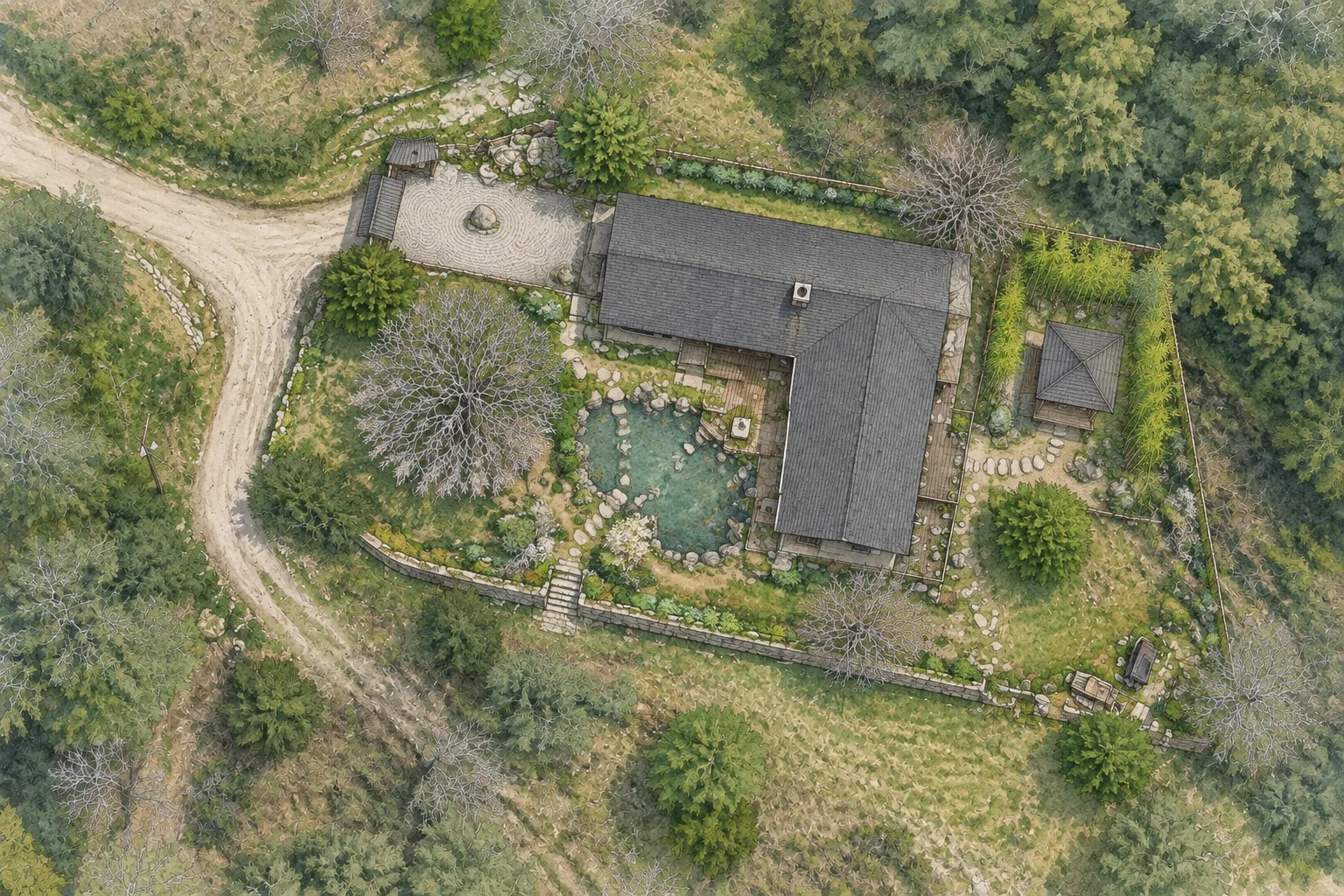 Existing aerialThree-courtyard concept, aerial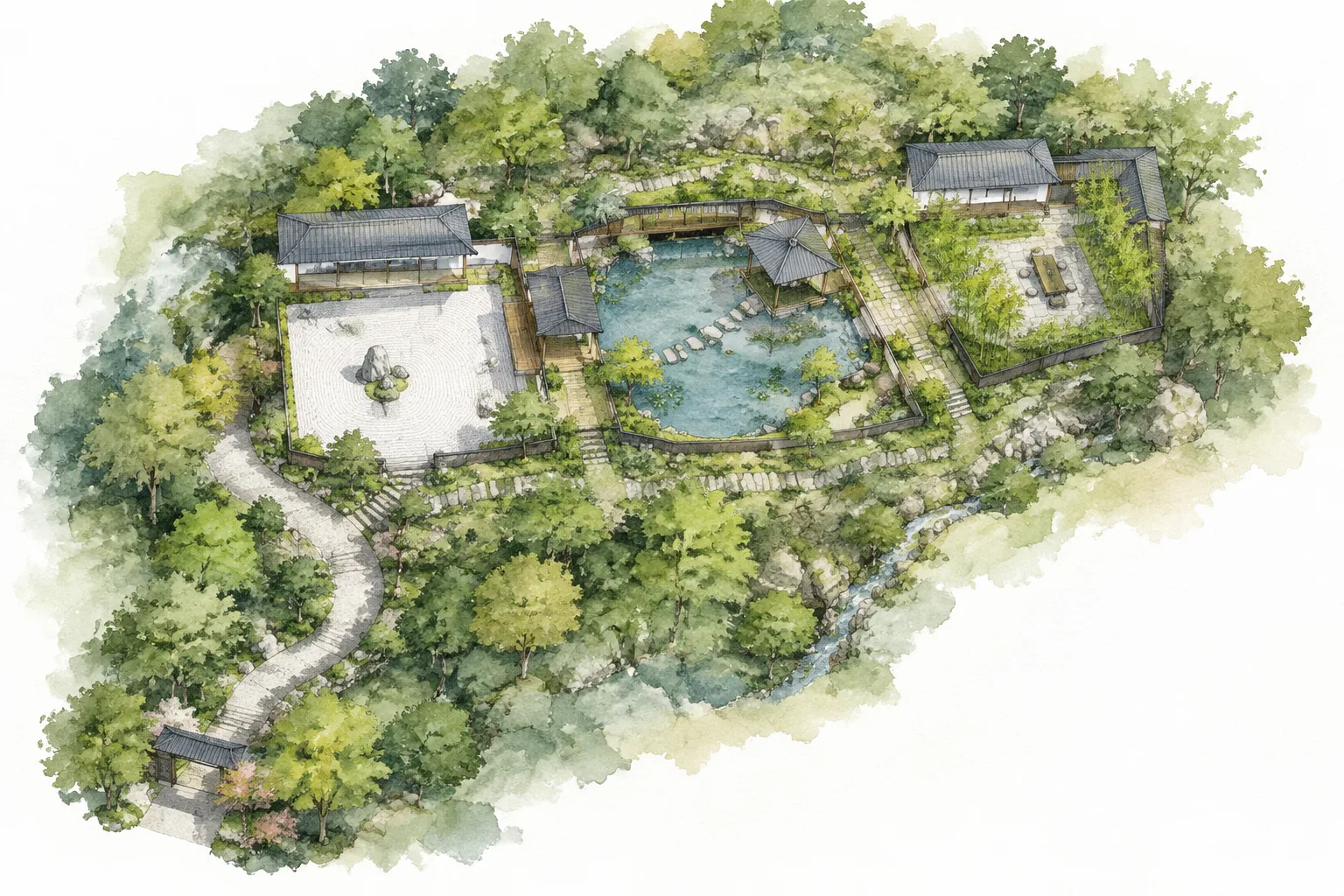
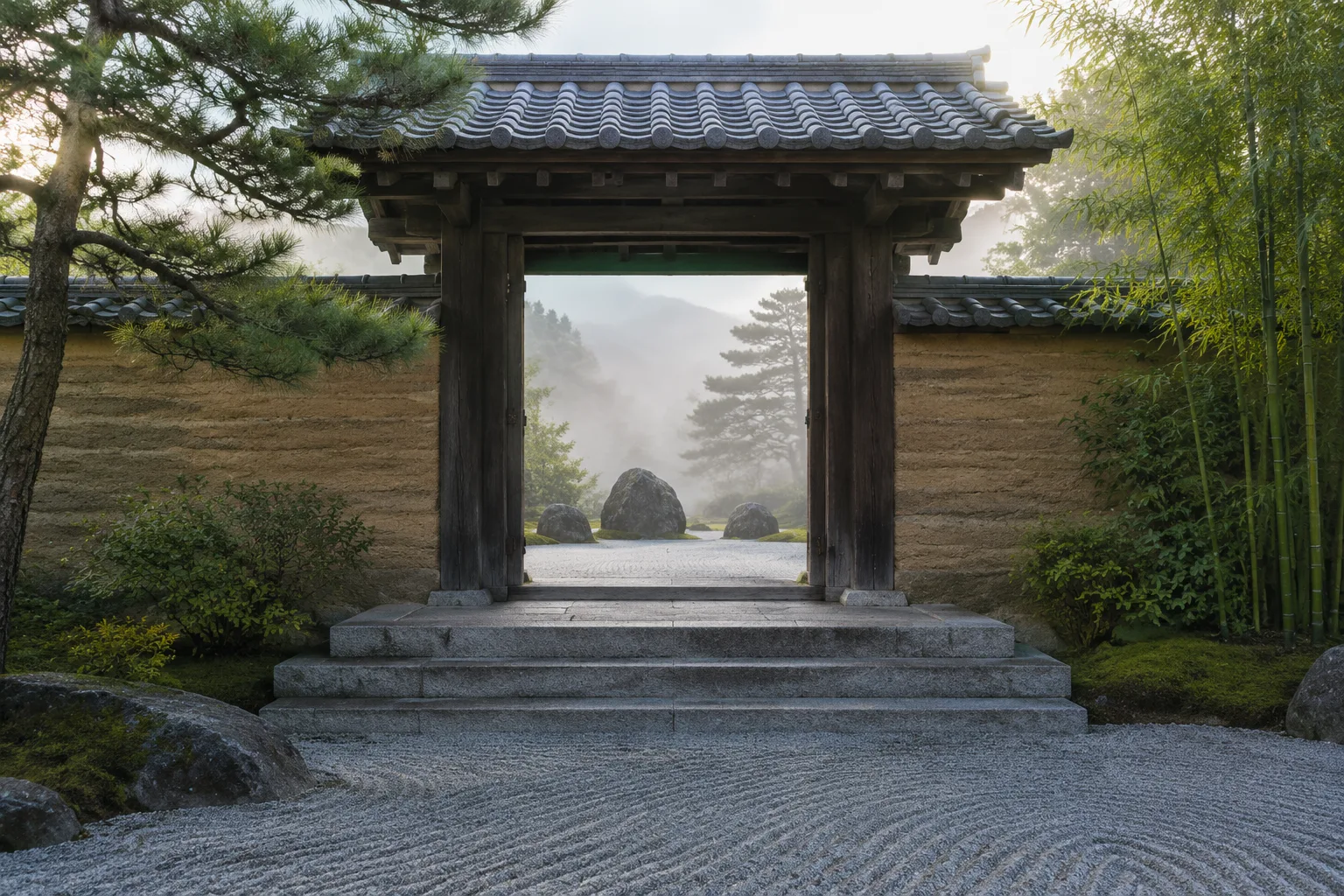
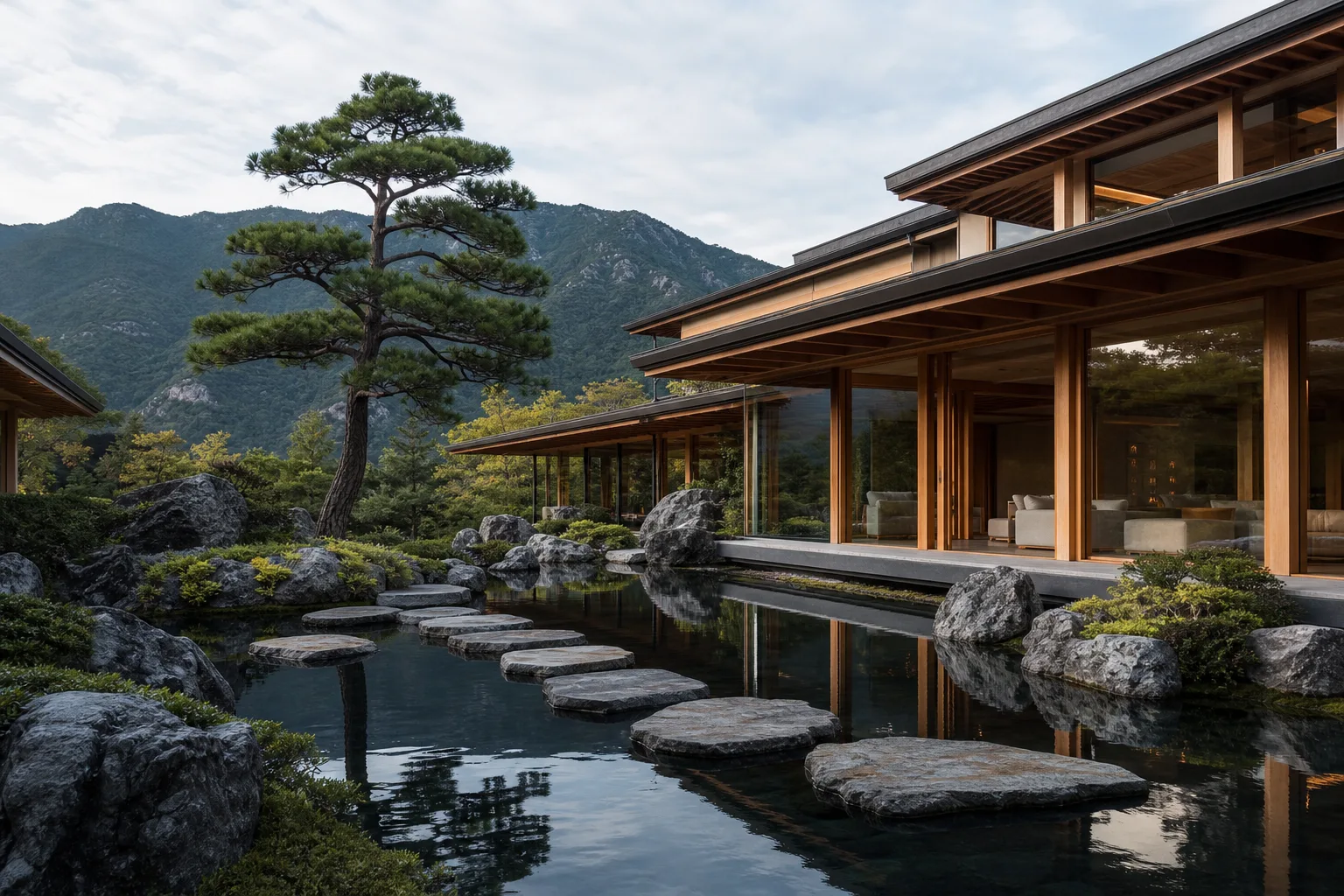
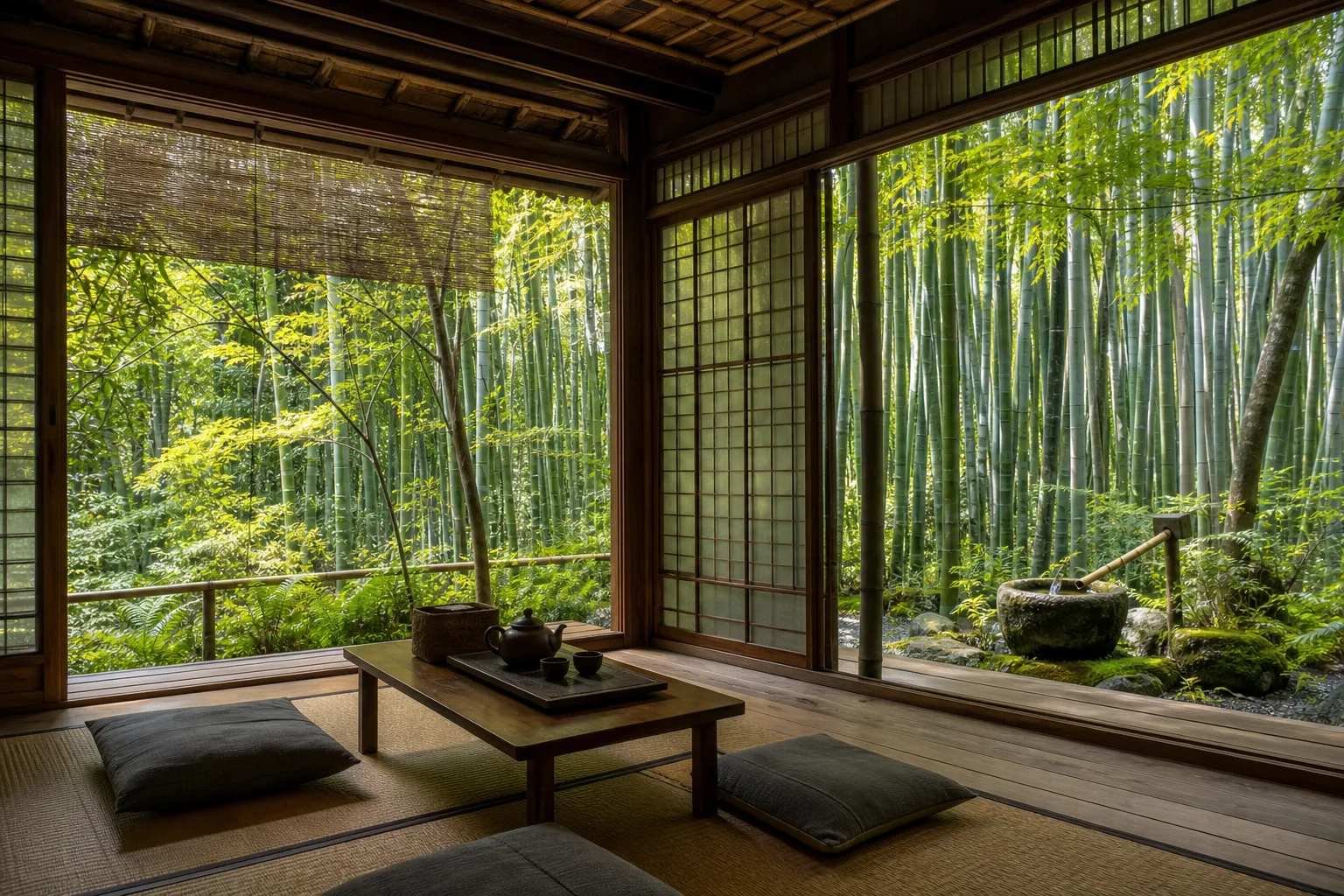
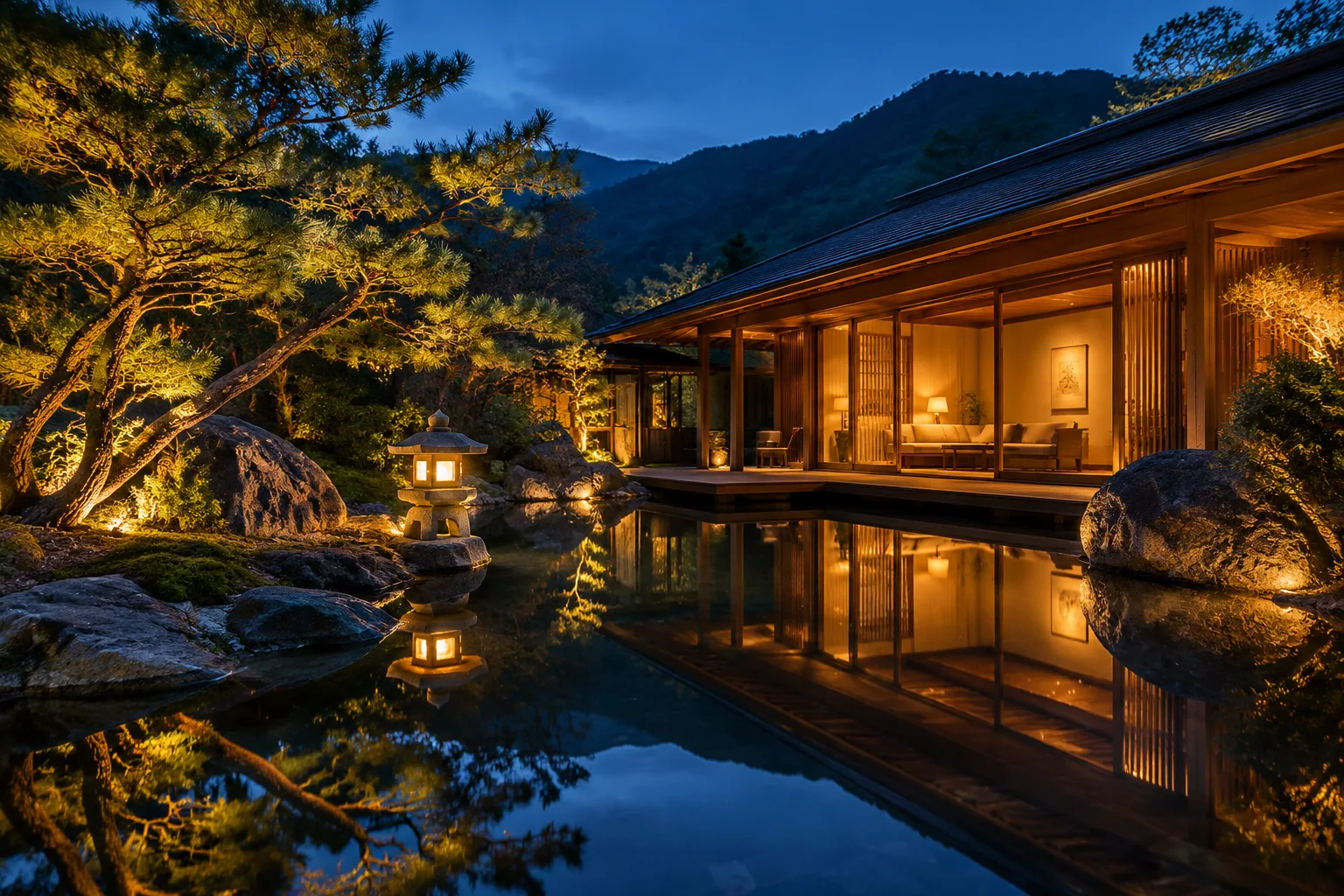
From the open-source Architectural Visualization Prompt Library (MIT), covering interiors, home exteriors, architecture and landscape — each with a real generated example.
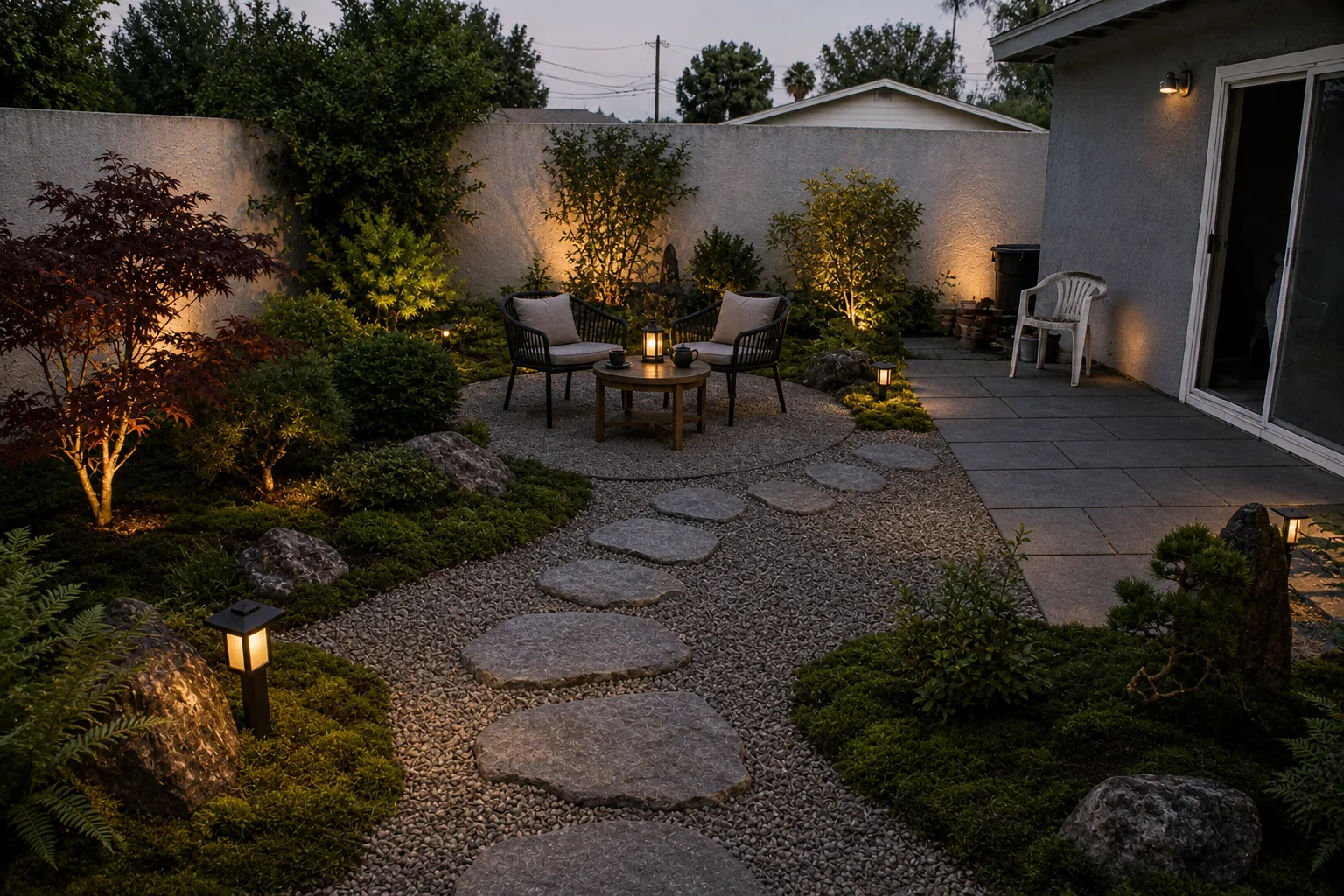 Existing-yard conceptKeep edges, buildings, trees and levels; change planting, paving and furniture.Use this template →
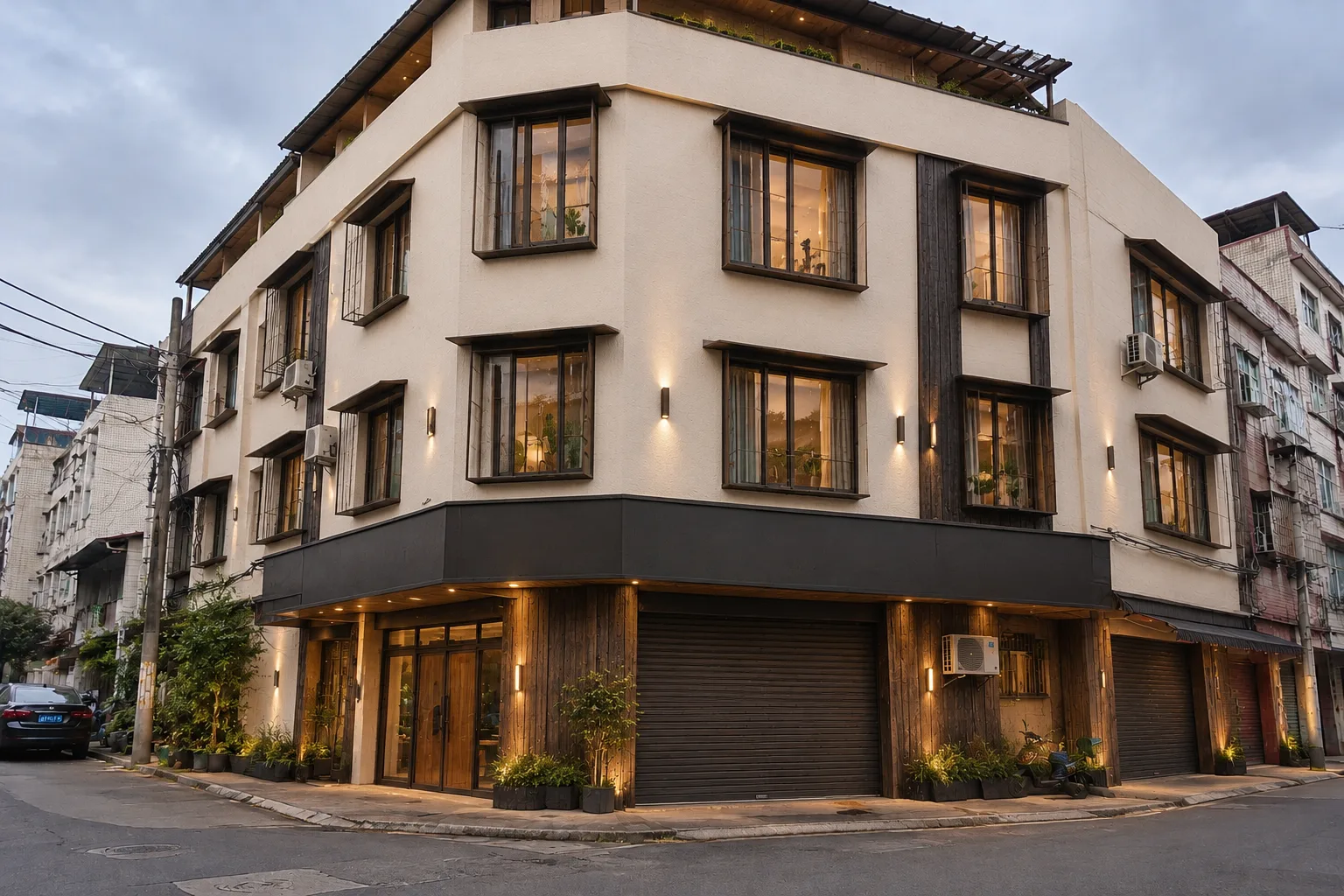 Existing-home facade refreshMassing, roof and openings fixed; change cladding, colour, entrance and lighting.Use this template →
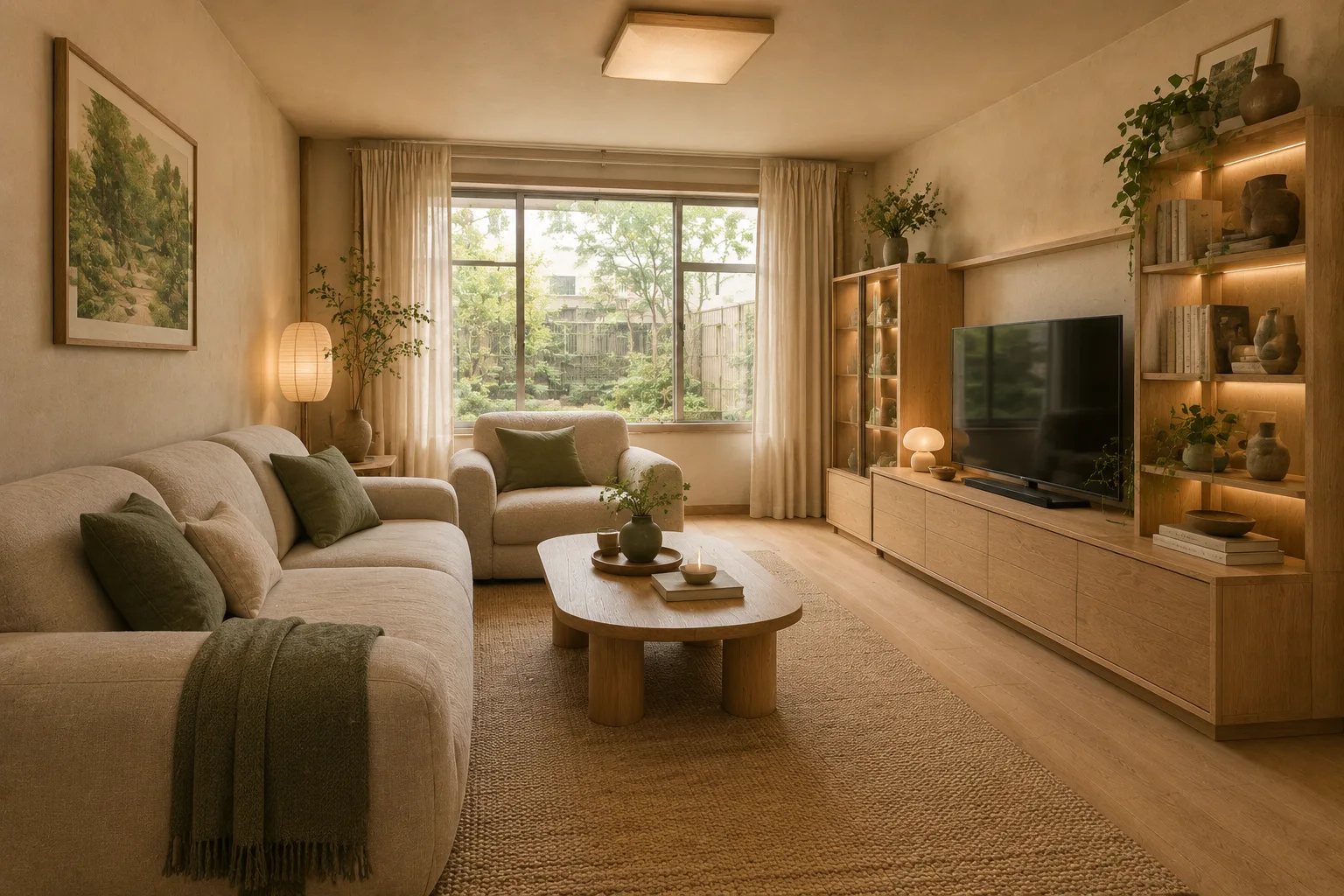 Existing-room redesignKeep camera, openings and structure; change only finishes, furniture and lighting — the safest redesign.Use this template →
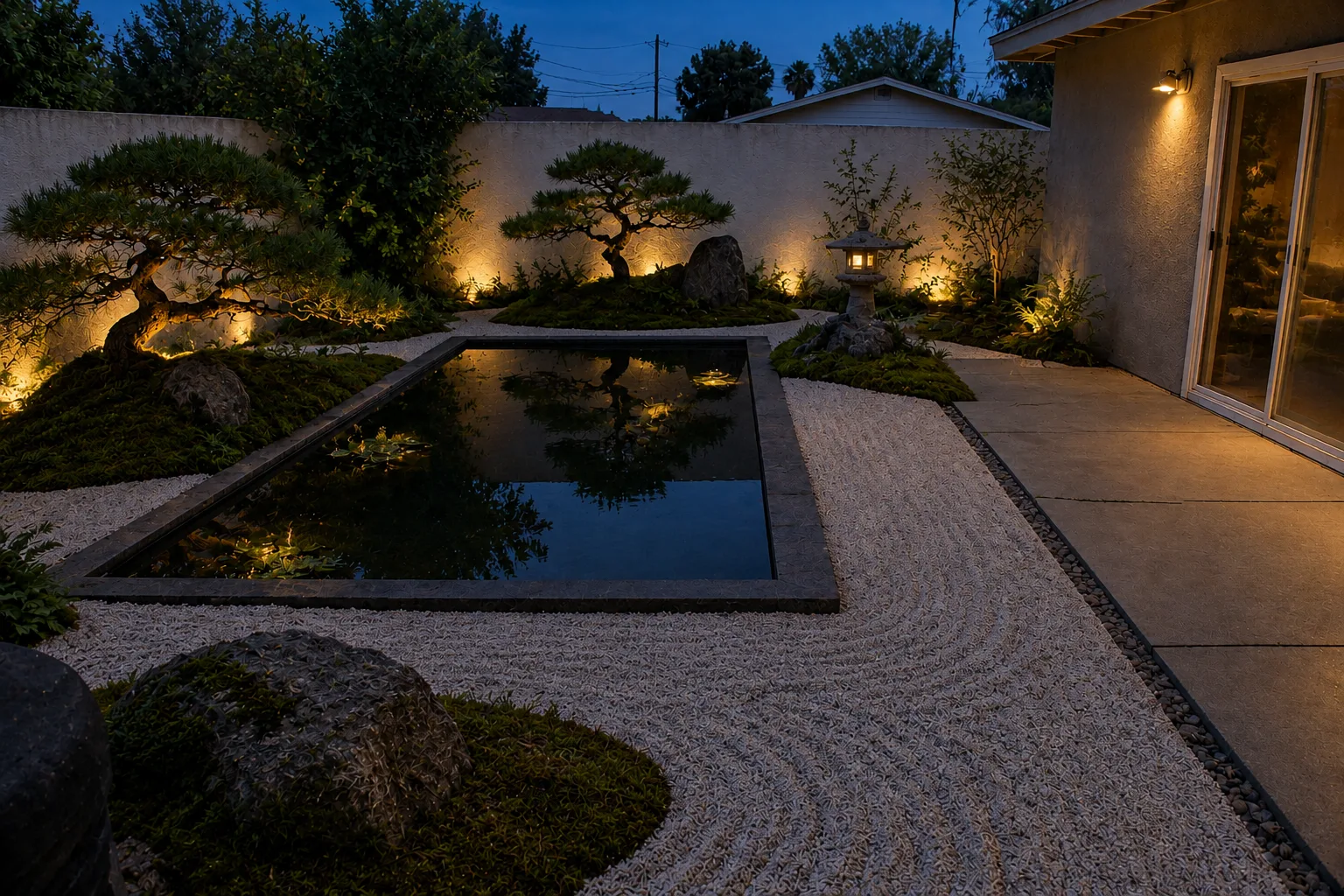 Evening landscape lightingSame design at dusk, lit only at paths, steps, feature tree and seating.Use this template →
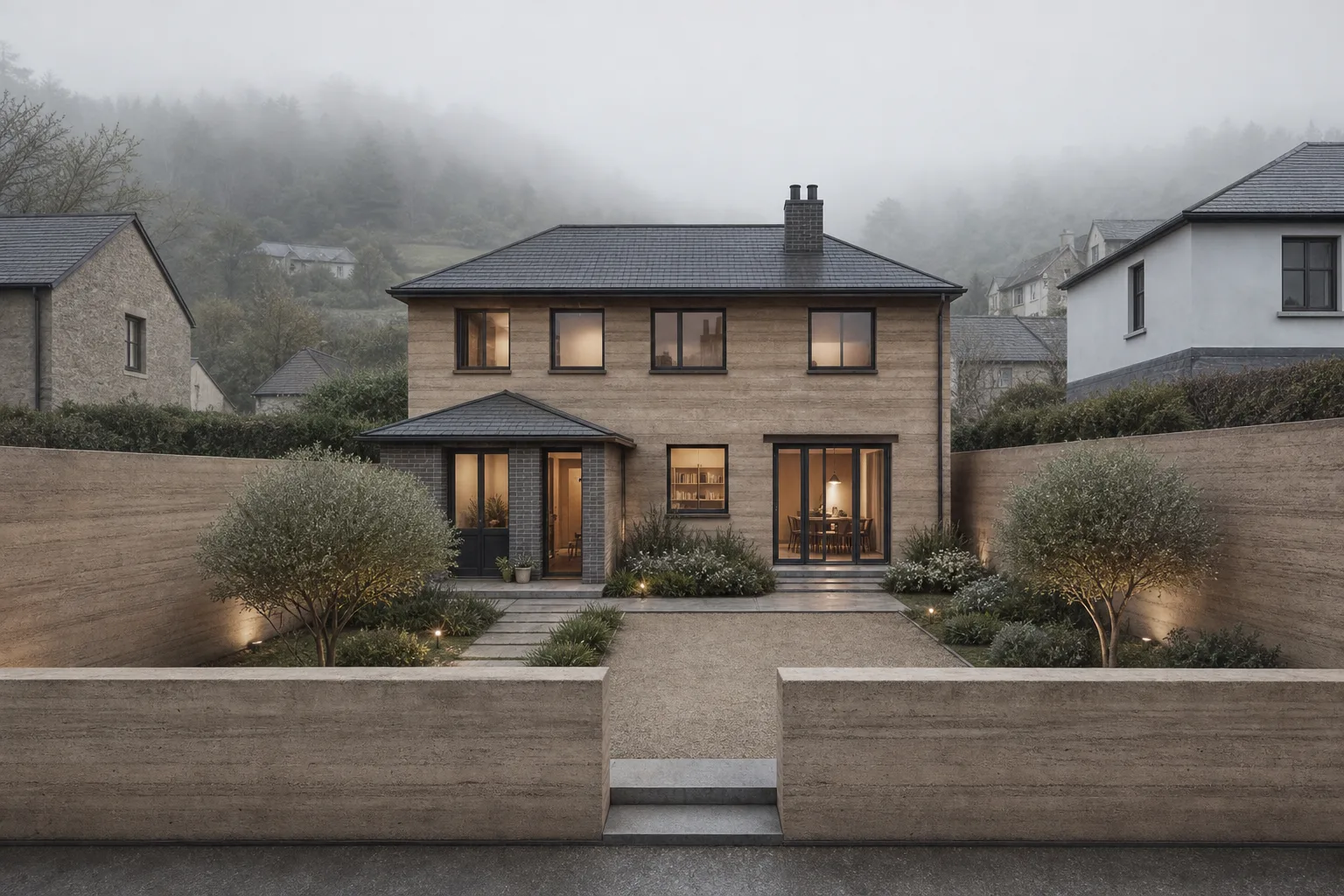 Massing-to-concept exteriorTurn a massing view into a concept render while keeping the massing recognisable.Use this template →
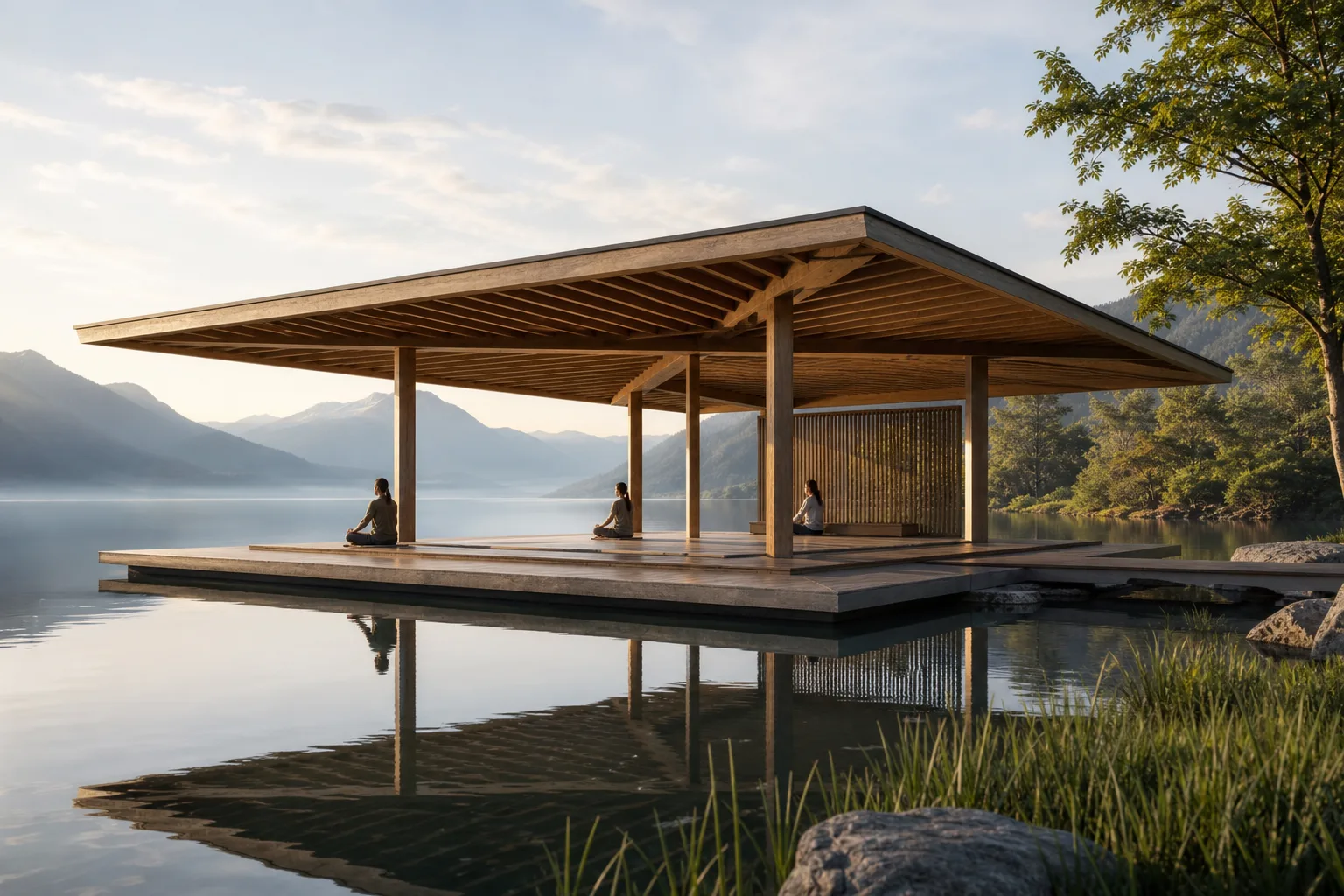 Presentation hero imageOne hero image that communicates the central design idea.Use this template →
Try it free when you sign up, then buy credit packs as you need them. Credits never expire.
Get 5 credits when you sign up to try any tool.
30 credits
100 credits
300 credits
Interior redesign, bare-shell-to-finished, furnishing restyle and wall colour; facade renovation, sketch and massing to render, homestay and rural renovation, time and season changes; courtyards (including Zen dry gardens), roof gardens, balconies, pools and water features, parks; estate renewal, street frontages, pocket parks and commercial streets; plus perspective changes, option comparison and layout diagrams.
JPG, PNG or WebP up to 15 MB each. Site photos, hand sketches, SketchUp / Rhino massing screenshots and existing renders all work.
Not always. Our prompts ask the model to preserve structure, openings and camera, and most results stay consistent, but AI may still change some proportions or details. Treat results as direction and compare with your original before deciding.
No. DesignEye creates visual concepts without dimensions, structural calculations, code checks or permit documents. Have qualified professionals develop and verify anything you build.
Each image uses the tool’s credits (most tools: 1 credit per image). Buy credit packs as you need them: one payment, credits never expire, no subscription or auto-renewal. Failed generations are refunded automatically.
Images made with paid credits may be used for client presentations and commercial work. Make sure you have the right to use the photos you upload, and do not present concepts as construction, permit or transaction documents.
Uploads are used only to run the generations you request and are stored in your account, visible only to you. They are sent to a third-party AI model provider for processing. We never sell your images or use them to train public models.
Start from a template, or read how to write a design brief the model follows.